Install notes · Seat 11
Rollex11 install notes: Live app, Slot app, PC and browser
Four ways in: two Android apps, a Windows program and a browser version. A short note on picking one, with no download links.
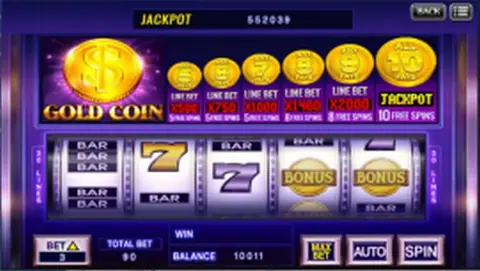
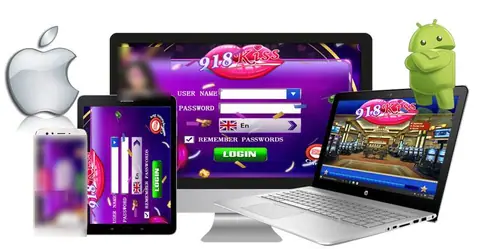
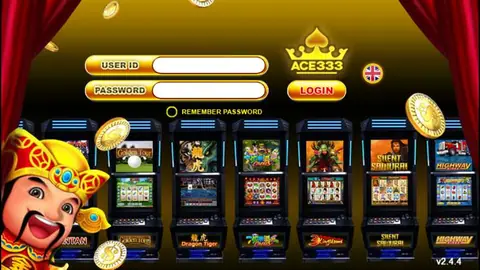
The old Rollex11 page had no install screenshots at all, just promo banners. What it did list was four separate ways to play, and the choice matters more than the install itself.
| Version | For | Catch |
|---|---|---|
| Android Live | Dealer tables such as baccarat | Outside Google Play, heavy on data |
| Android Slot | Slots and arcade games | Outside Google Play |
| Windows | Laptop or desktop | SmartScreen warning likely |
| Browser | Any device, nothing to install | Needs a steady connection |
No iPhone build was listed. On an iPhone the browser version is the only route the page mentioned.
My tip: if you only want a few slot spins, the browser version saves you installing anything. If you do go with an app, install the one that matches what you play rather than both. More on the games is on the Rollex11 platform page; we don't host or link any files.
Checks before you tap Install
Android will warn that the file can harm your device and ask you to allow "Install unknown apps" for your browser. Allow it once, then go back to settings and turn it off. Open the app info afterwards and look at permissions. Contacts, SMS, call logs and location have nothing to do with a casino client.
On Windows, don't disable antivirus to get the installer running. If SmartScreen or your antivirus objects, find out why first.
Every version logs in with an ID and password from an agent; there's no self sign-up. If you need one, you can get a Rollex11 ID. Keep that password unique and never the same as your online banking one.
The downloads hub has notes for the other platforms.
18+ only. Real-money games; online gambling is restricted in Malaysia. Never top up money you need, and stop if it stops being fun. Responsible gaming.