Install notes · Seat 02
918Kiss on your phone: Android and iPhone install notes
Which 918Kiss iPhone file mattered, how the enterprise trust step went on screen, and what the login asks for once the data update finishes.
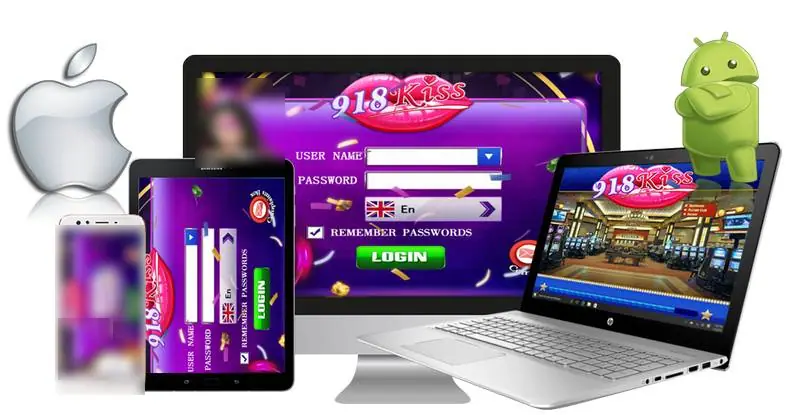
Two iPhone buttons for 918Kiss sat on the old page, 64-bit and 32-bit. You only ever needed the 64-bit one. Every iPhone from the 5s onwards is 64-bit, and current iOS won't even run 32-bit apps. There was also an Android package. The promo art above has a laptop in it, but no PC file was actually listed.
We don't host or link any of those files. What follows is what the iPhone screenshots show.
From icon to Verified
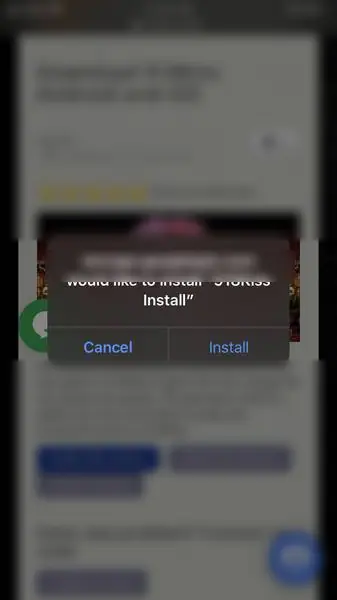
Safari asks whether the storage host may install "918Kiss Install". Say yes and the icon appears with "Installing..." under it.
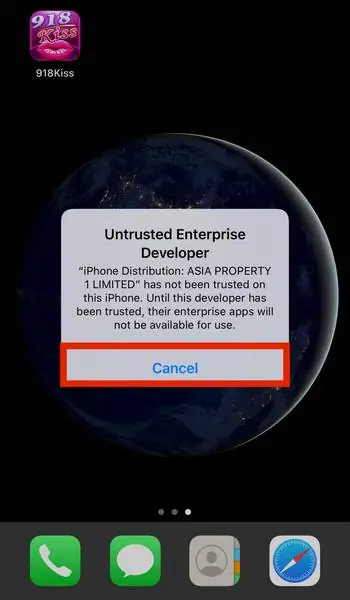
Opening it the first time gets you "Untrusted Enterprise Developer", with the certificate holder named as an "iPhone Distribution" limited company. Cancel is the only button.
Then:
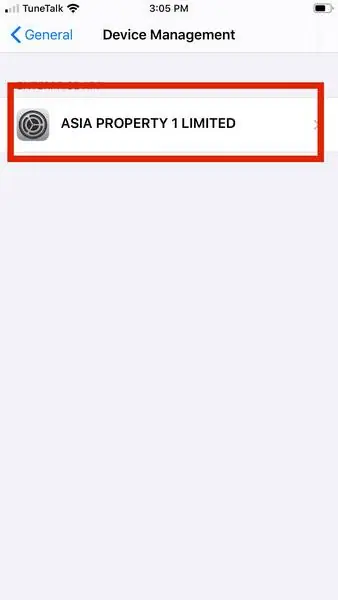
- Settings > General.
- Device Management. On this phone the company name already showed in grey on the right of the row.
- Tap the profile under Enterprise Apps.
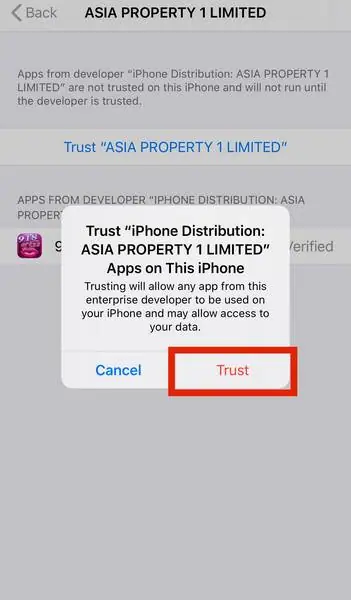
- Tap the blue Trust line.
- Confirm Trust in the pop-up.
The pop-up says trusting lets any app from that developer run and "may allow access to your data". Fair warning, and it applies to every app they sign. After that the page shows a red Delete App button and 918Kiss as Verified. Remember where that Delete App button is.
One more thing about enterprise builds. Apple revokes these certificates now and then, and the app simply stops opening until you reinstall from a newer profile.
What the app asks for
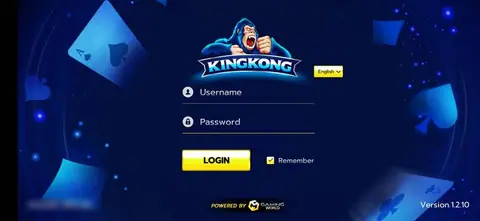
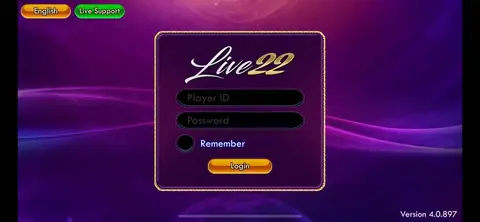
First launch is a purple Good Luck panel with an "Updating new data" progress bar, so give it storage and Wi-Fi. The login itself wants a user name and password, a language (flag icon) and has a Remember Passwords tick. No sign-up button anywhere.
That's because an agent opens the account and gives you the user name and password. If you get a 918Kiss account that way, keep your banking login to yourself; an agent never needs it. Our 918Kiss platform page has more on how that usually works, and the 918Kiss hub lists the games.
For Android there are no screenshots. Expect the usual unknown-sources prompt for whichever app did the download, and turn it back off once 918Kiss is in.
Ask the dealer: common questions
Why does 918Kiss download more data after it opens?
The first launch shows a Good Luck panel with an 'Updating new data' bar. Game content comes down after the install, so keep some free storage and a decent connection.
18+ only. Real-money games; online gambling is restricted in Malaysia. Never top up money you need, and stop if it stops being fun. Responsible gaming.