Install notes · Seat 05
King Kong app install notes: Android permissions and unknown sources
Why a fish-shooting app asks for your camera, what the Install blocked message means, and where the unknown sources switch was on the Samsung in the screenshots.
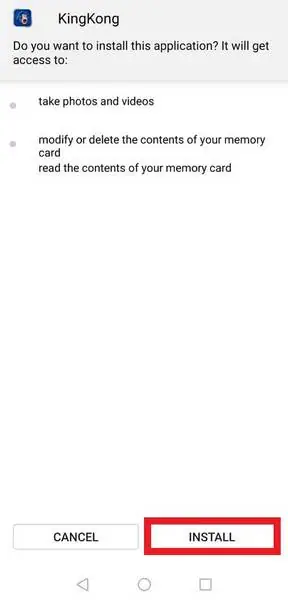
The King Kong installer wants your camera. "Take photos and videos" is the first thing on its permission list, above reading and modifying your memory card. Storage makes sense for a game that downloads extra data. The camera, for a fish-shooting game, I can't explain.
This is an Android-only app. The old page's iPhone button went nowhere. The same screenshots appear on our King Kong platform page; here the focus is on what each prompt means. We don't host or link the file.
On older Android versions, which this is, you can't untick single permissions at install. It's all or Cancel. Newer Android lets you deny the camera afterwards in the app's settings, and I would.
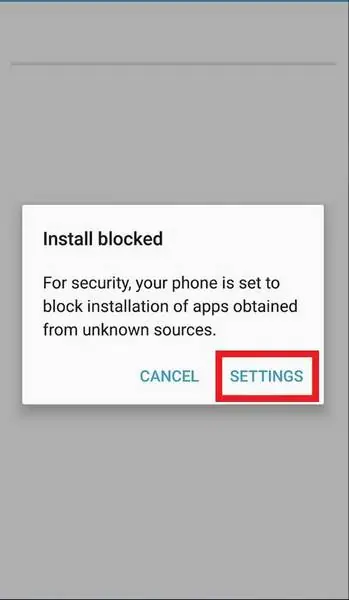
"Install blocked"
On a phone with default settings you'll hit this first: "For security, your phone is set to block installation of apps obtained from unknown sources." The Settings button takes you to the switch.
On the Samsung in these shots it was at the bottom of Lock screen and security, under Security: "Unknown sources. Allow installation of apps from sources other than the Play Store." Android 8 and later moved this to a per-app setting, usually called Install unknown apps, so it only applies to the browser or file manager you used.
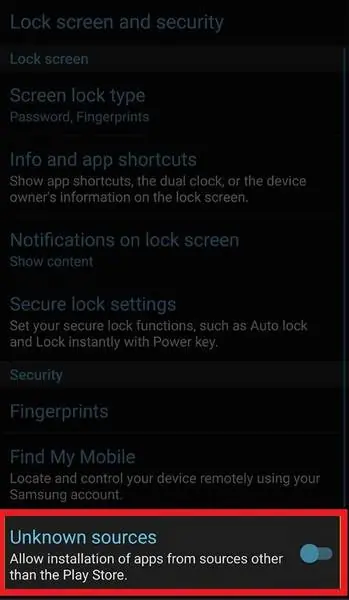
Turn it off again once King Kong is installed. Left on, it's one less warning between you and whatever the next dodgy site pushes at you. And only install an APK from someone you trust, because a tampered copy wears the same gorilla logo.
Login
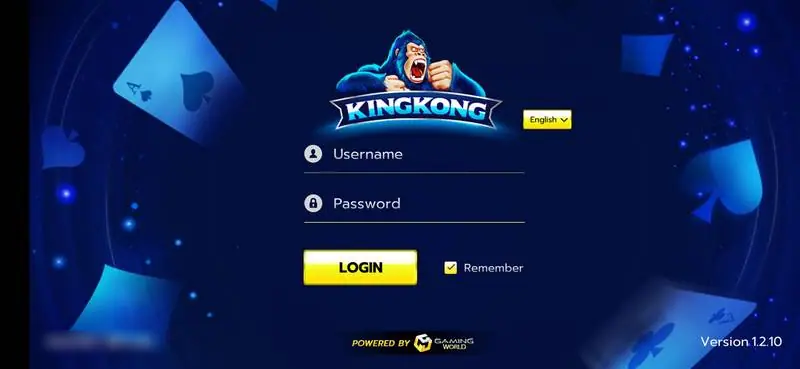
The app opens sideways on a blue, card-themed screen. Gorilla logo, an English dropdown, Username and Password lines, a yellow Login button, a Remember box, "Powered by Gaming World" at the bottom and Version 1.2.10 in the corner. No sign-up.
An agent sets up the account and gives you the username and password. If you want to get a King Kong username, that's where it starts. They never need your banking login, so don't give it. The rest of our coverage is on the King Kong hub.
Ask the dealer: common questions
Is there a King Kong app for iPhone?
The old page had an iOS Version button, but it didn't point to any file. Only the Android build was there.
18+ only. Real-money games; online gambling is restricted in Malaysia. Never top up money you need, and stop if it stops being fun. Responsible gaming.