Install notes · Seat 07
LPE88 (Lucky Palace) on Android and Windows: install notes
LPE88 came as two Android apps, one for live games and one for slots, plus a Windows build and a web version. What that means and what to check first.
Most platforms give you one app. LPE88 had two for Android: one labelled Live, for the live table games, and one labelled Slot. So if you want both kinds of game on your phone, that's two installs and two permission lists to check. The old page also had a Windows build and a browser version, and nothing for iPhone.
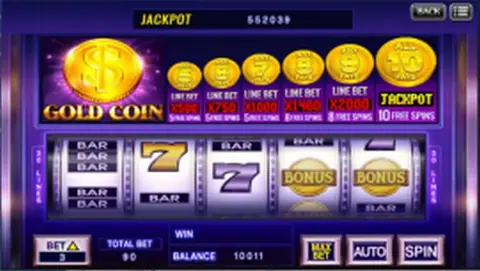
None of the old screenshots show the install itself, only promo banners, so there's little to describe. We don't host or link the files either.
On Android, each package will trigger the unknown-sources prompt for the browser or file manager you downloaded it with. Allow it, install, then switch it back off. Look at the permission list before tapping Install; a slot client has no reason to read your SMS or contacts. Windows will most likely show a SmartScreen warning about an unknown publisher on the installer.
The old page did say one sensible thing: don't install LPE88 from random third parties. A tampered APK shows the same Lucky Palace logo as the real one.
Logins come from an agent, not from the app. If you get an LPE88 account, you'll receive an ID and password, and nobody on that side needs your online banking details. The LPE88 platform page has the background, and the games we've covered are on the LPE88 hub.
18+ only. Real-money games; online gambling is restricted in Malaysia. Never top up money you need, and stop if it stops being fun. Responsible gaming.