Install notes · Seat 10
Play8oy install notes: iOS trust step, Android and Windows
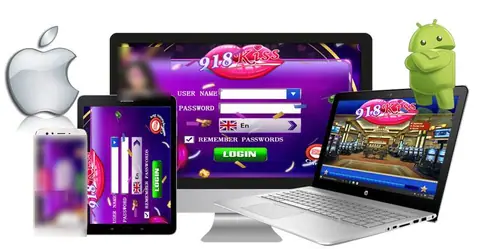
Play8oy shipped as an iPhone build, an Android package and a Windows installer. The iPhone screens, one by one, and a few notes on the other two.
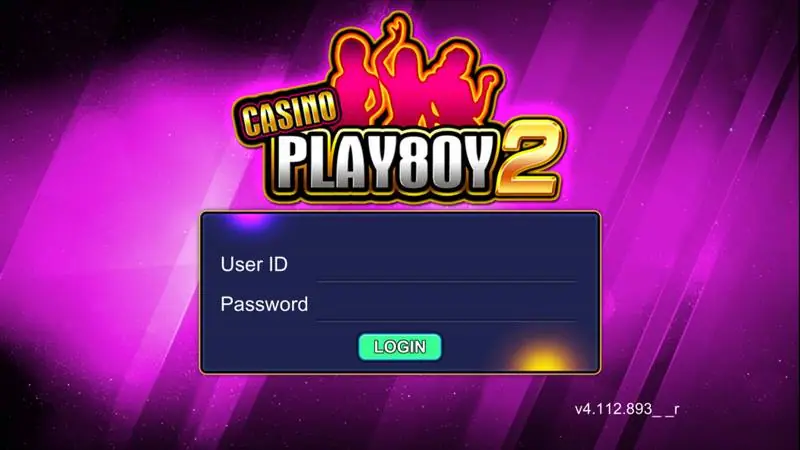
Heads up: once installed, the icon on your home screen is labelled "PlayBoy", not Play8oy. Pink, with a big "2" on it. The login screen inside calls itself Casino Play8oy 2.
The old page had three builds (iPhone, Android and Windows) and screenshotted every iPhone step, so that's most of what's here. No files or links from us. For the games, see the Play8oy platform page.
iPhone, one screen at a time
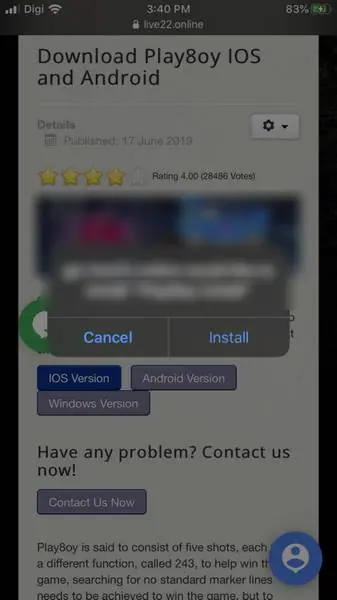
Pick the iOS build in Safari and you get a box saying a web host "would like to install 'Play8oy Install'". Only tap Install if you know who runs that host.
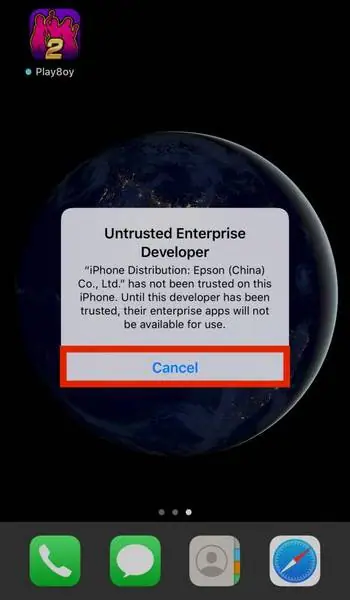
The icon shows Loading for a while. Tap it once it's done and iOS stops you with "Untrusted Enterprise Developer". The certificate named is "iPhone Distribution: Epson (China) Co., Ltd.". Tap Cancel.
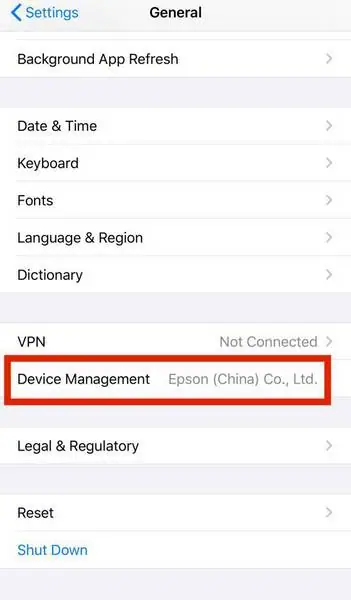
Now Settings, then General. Scroll down past VPN and you'll see Device Management with the developer name in grey. Inside, it's listed under Enterprise App.
Tap the developer, then the blue Trust line. A second box asks you to confirm and warns that trusting "may allow access to your data". That applies to anything else signed with the same certificate too.
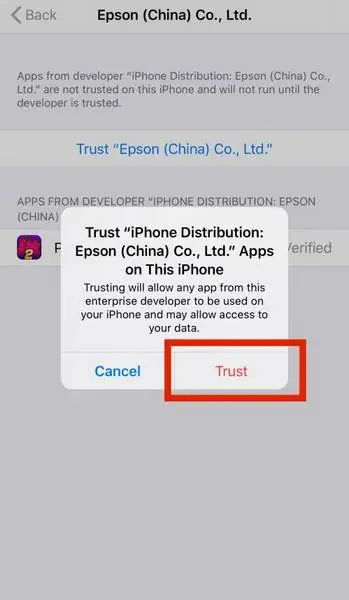
Tap Trust. Play8oy now reads Verified, and a red Delete App button shows up. Remember where that button is; it's the cleanest way to remove the app later. If the certificate ever gets revoked, the app will simply refuse to open.
Android and the Windows installer
No screenshots for either. Android will warn about a file from outside Google Play and ask you to allow your browser to install unknown apps, which I'd switch off again afterwards. Windows SmartScreen will likely flag the installer. In both cases check the file name and size against what your source told you.
What the login wants
Just a User ID and a Password, then Login. The version in the corner reads v4.112.893. There's no register option, because IDs are issued by an agent. If you need one you can request a Play8oy user ID. Don't reuse your banking password, and don't give the app your bank login for anything.
Other apps are covered in the downloads hub.
Ask the dealer: common questions
The Play8oy icon says Loading and then won't open. Is it broken?
Probably not. Loading is normal while it downloads. After that, iOS blocks it until you trust the enterprise developer under Settings > General > Device Management.
Is the Windows version the same as the phone app?
The old page listed a Windows installer but showed no screens of it, so we can't say how it differs.
18+ only. Real-money games; online gambling is restricted in Malaysia. Never top up money you need, and stop if it stops being fun. Responsible gaming.