Install notes · Seat 14
S8star install notes for Android phones and Windows PCs
S8star splits live tables and slots into two Android apps, with a PC build and a web version on the side. A short note on each, no links.
S8star, which brands itself 8 Star Casino, didn't have an iPhone file on the old page. You got two Android apps, a PC installer and a link to play in the browser. The page had no install screenshots, only banners, so there's nothing to walk through screen by screen.
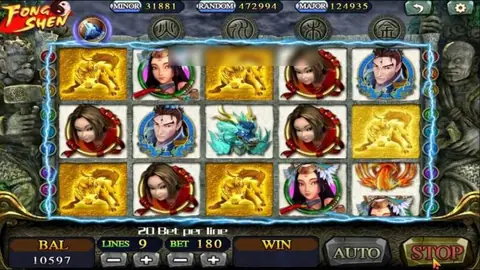
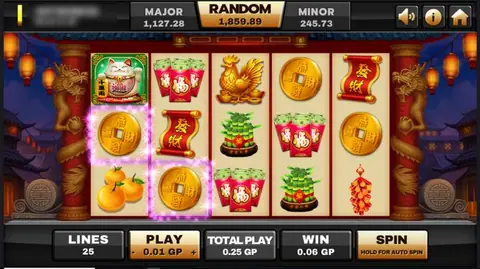
The two Android apps are split by game type. The Live one is for dealer tables (the old text mentions Blackjack Live), the Slot one for machines like Highway Kings and Golden Tour. They're separate installs with separate permissions, so grab only the one you'll use. On an iPhone, the browser version is your only option.
Since none of these come from Google Play, Android will show a warning and ask you to allow "Install unknown apps" for whichever app opened the file. I'd grant it, install, and switch it straight back off. Then look at the app's permissions. Anything like contacts, SMS or location is a red flag for a casino client.
The PC build is a normal Windows installer. If your antivirus or SmartScreen stops it, don't just override it; ask your source what the file should be called and how big it is.
The old page listed a long line of currencies (MYR among them, plus THB, IDR, VND and others) but gave no detail on how each is handled in the app. You log in with an ID and password set up by an agent, and you can get an S8star ID that way. Keep that password to yourself and unrelated to your bank login.
The games are covered on the S8star platform page, and other install notes sit in the downloads hub.
18+ only. Real-money games; online gambling is restricted in Malaysia. Never top up money you need, and stop if it stops being fun. Responsible gaming.