Install notes · Seat 04
Joker123 on Android and iPhone: what the install involves
On the iPhone the Joker123 icon just says Joker. What happens when you tap it, the five Settings taps that fix it, and the missing PC version.
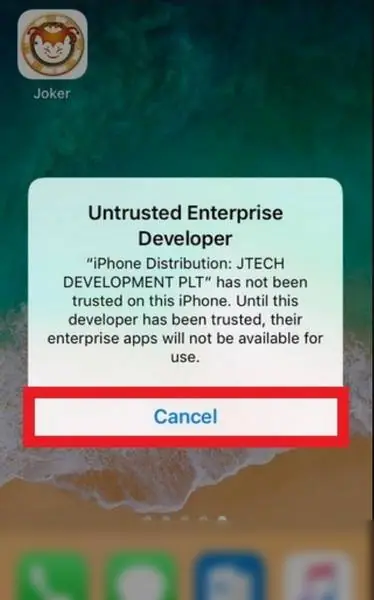
The icon is a round cartoon face and the label just says "Joker". That's the Joker123 iPhone build after install, and the first tap on it doesn't open anything.
The old page had two files, Android and iPhone, neither from an app store. We don't host or link them. The iPhone screenshots start on the home screen, so there's no picture of the Safari prompt this time.
What you get on that first tap is "Untrusted Enterprise Developer". It names the "iPhone Distribution" company that signed the app and offers only Cancel.
Settings, five taps
| Step | Screen | Tap |
|---|---|---|
| 1 | Settings | General |
| 2 | General | Device Management (company name in grey) |
| 3 | Enterprise App | The developer profile |
| 4 | Profile page | Blue Trust line |
| 5 | Pop-up | Trust, in red |
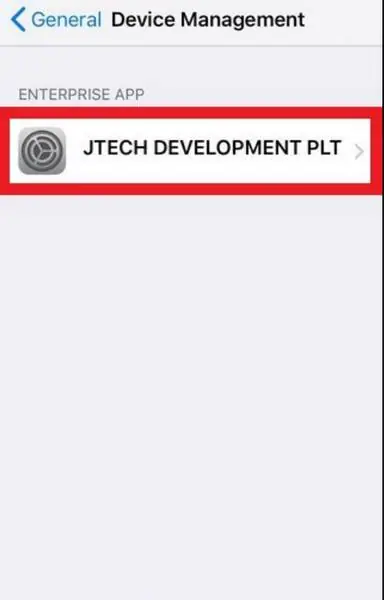
The profile page lists which of that developer's apps are on the phone. Here it's only Joker. The pop-up at step 5 spells out what you're agreeing to: any app from this developer can run on the phone "and may allow access to your data".
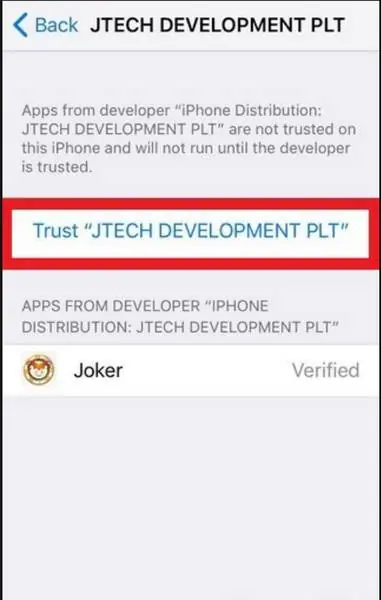
Apple can revoke these certificates. When that happens, Joker stops opening until you reinstall.
Inside, and the PC question
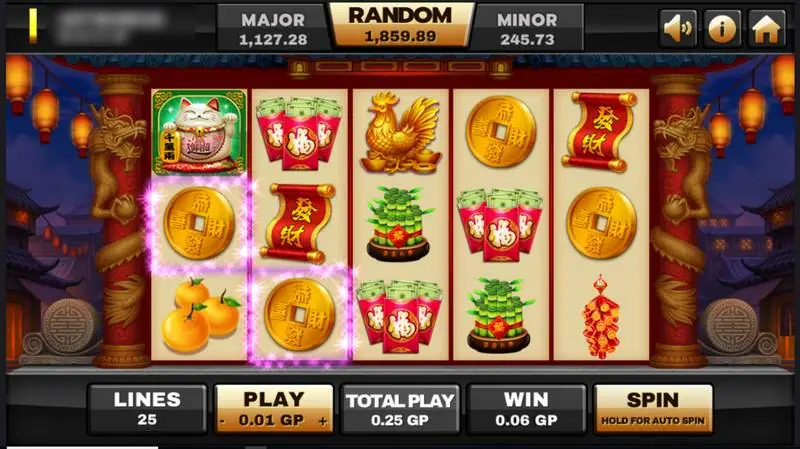
Every Joker123 slot shares the same frame. Top left is an account number with the balance in GP under it, then the jackpot boxes, then sound, info and home. The bottom bar reads Lines, Play with minus and plus, Total Play, Win, and a Spin button you hold down for auto spin.
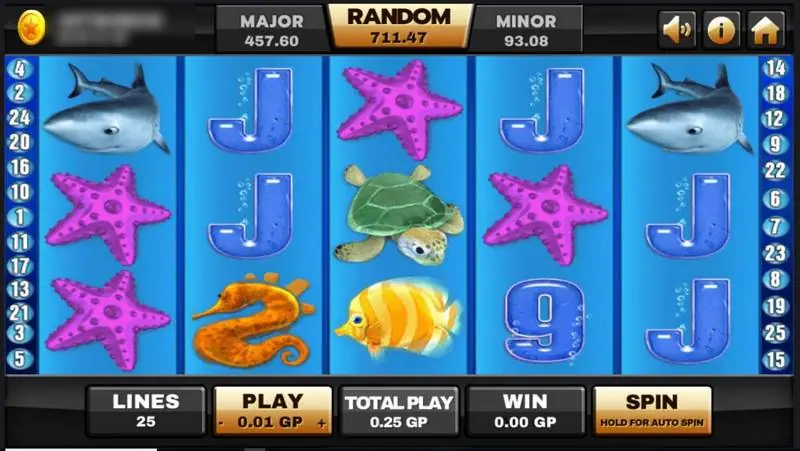
That account number is your login. An agent issues it with a password, so if you want to get a Joker123 login, that's the route, and the Joker123 platform page explains it. Don't give the agent your banking password, ever.
No PC build existed, the old page admitted. Its workaround was an Android emulator on the computer. On Android itself you'd be allowing installs from unknown sources for your browser; I'd flip that back off as soon as the app is in, and deny anything like SMS or contacts access.
More Joker games are on the Joker123 hub.
Ask the dealer: common questions
Is there a Joker123 app for Windows?
The old page said no, and suggested running the Android version inside an Android emulator. That can work, but it's one more program you have to trust.
18+ only. Real-money games; online gambling is restricted in Malaysia. Never top up money you need, and stop if it stops being fun. Responsible gaming.